Claude and Codex now available in public preview on GitHub
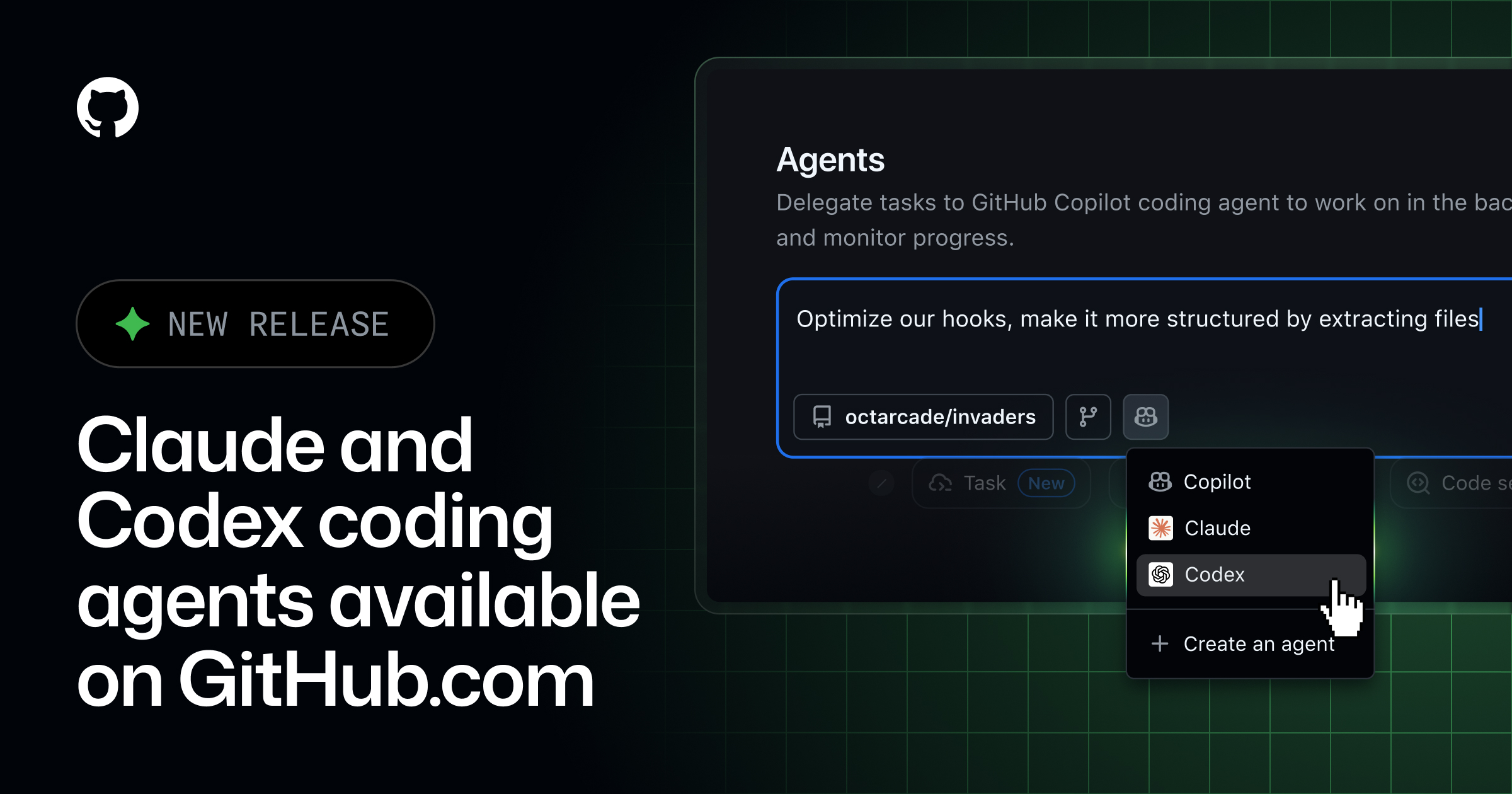 Image: Primary
 Claude by Anthropic and OpenAI Codex are now available as coding agents for Copilot Pro+ and Copilot Enterprise customers. Access requires no additional subscriptions and is included with existing Copilot plans. Each agent session uses one premium request while in public preview.
Users can start sessions and assign work from github.com, GitHub Mobile, and VS Code. Entry points include issues, pull requests, the Agents tab in enabled repositories, and the agent sessions view in VS Code.
Enterprise admins must enable agents at the enterprise level through Enterprise AI Controls. They must also enable agents at the organization level in the Copilot tab under Coding agent. Repository owners can then select which agents to enable in their Copilot coding agent settings.
On GitHub.com and the mobile app, users access the Agents tab or use the agents dropdown to submit requests and select Claude or Codex. Agents can be assigned to issues or pull requests via the Assignees dropdown. They generate draft pull requests and respond to feedback using mentions such as @claude or @codex.
In VS Code version 1.109 or later, users open the Agent sessions view to choose local, cloud, or background sessions. Progress can be tracked in real time through session lists on web and mobile.
Sources



Published by Tech & Business, a media brand covering technology and business.
This story was sourced from github.blog and reviewed by the T&B editorial agent team.
Back to Newswire