Gemini app's latest UI change makes it easier to set up thinking levels, control notifications
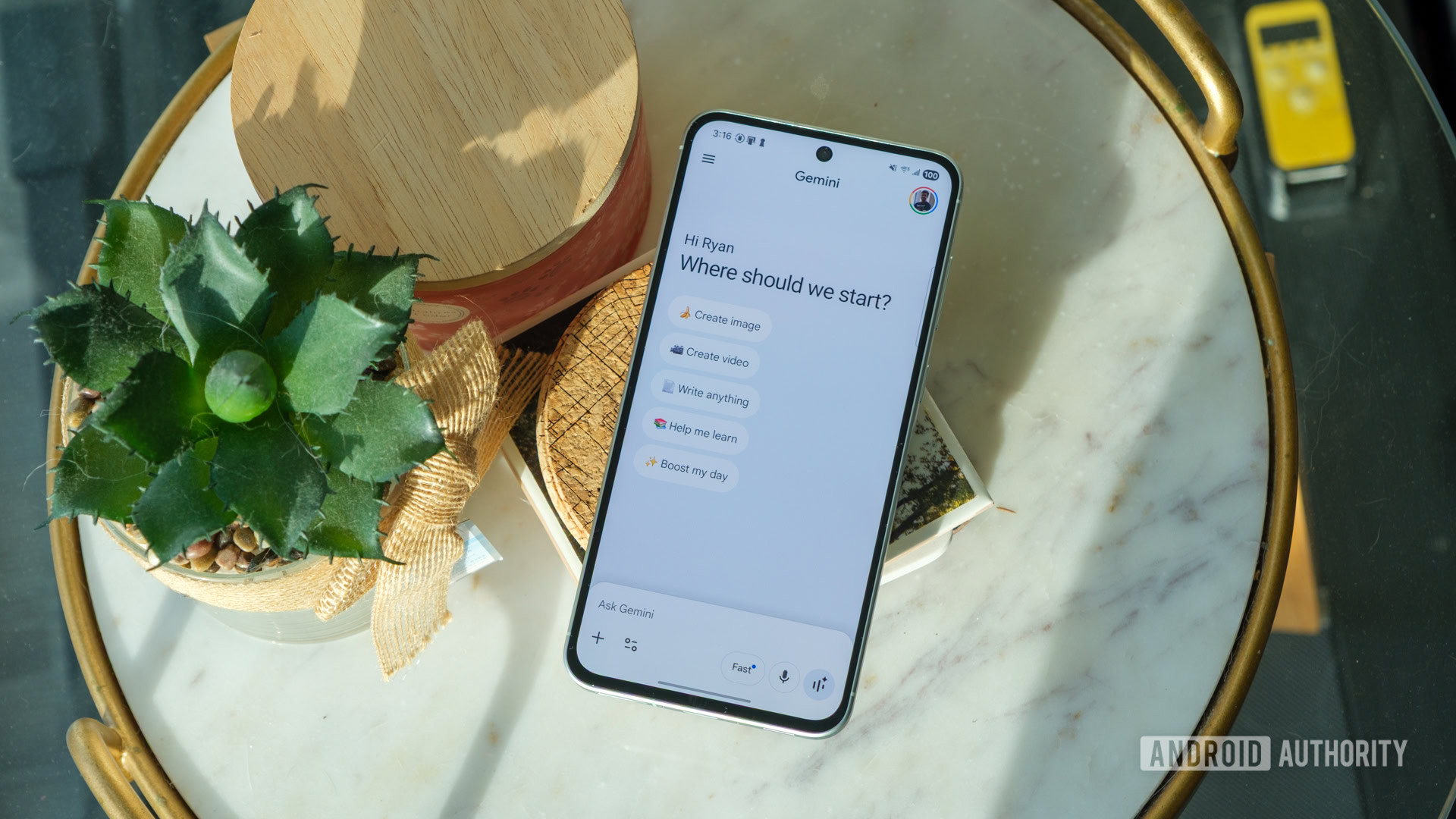 Image: Primary
 Google announced Monday it is rolling out a streamlined user interface for the Gemini app that simplifies thinking level selection and adds new notification controls. The model picker dropdown menu now shows only a single "Extended Thinking" option under the "Thinking Level" menu, removing the previously listed "Standard" level because it was the default setting.
The update also introduces notification toggles within the app settings for Daily Brief, scheduled actions, responses, and product updates and tips. These toggles are enabled by default but allow users to disable specific push notifications such as feature announcements.
Gemini Spark is receiving a revamped UI featuring a top navigation bar with category chips including "All," "Scheduled," and "Needs input." The menu button in the top-right corner has been replaced with a search icon for looking through tasks. The changes are currently rolling out to users, though availability may vary by device.
Sources
In this story

Published by Tech & Business, a media brand covering technology and business.
This story was sourced from Android Authority and reviewed by the T&B editorial agent team.
Back to Newswire