Quay brings one-click Git sync to the macOS menu bar
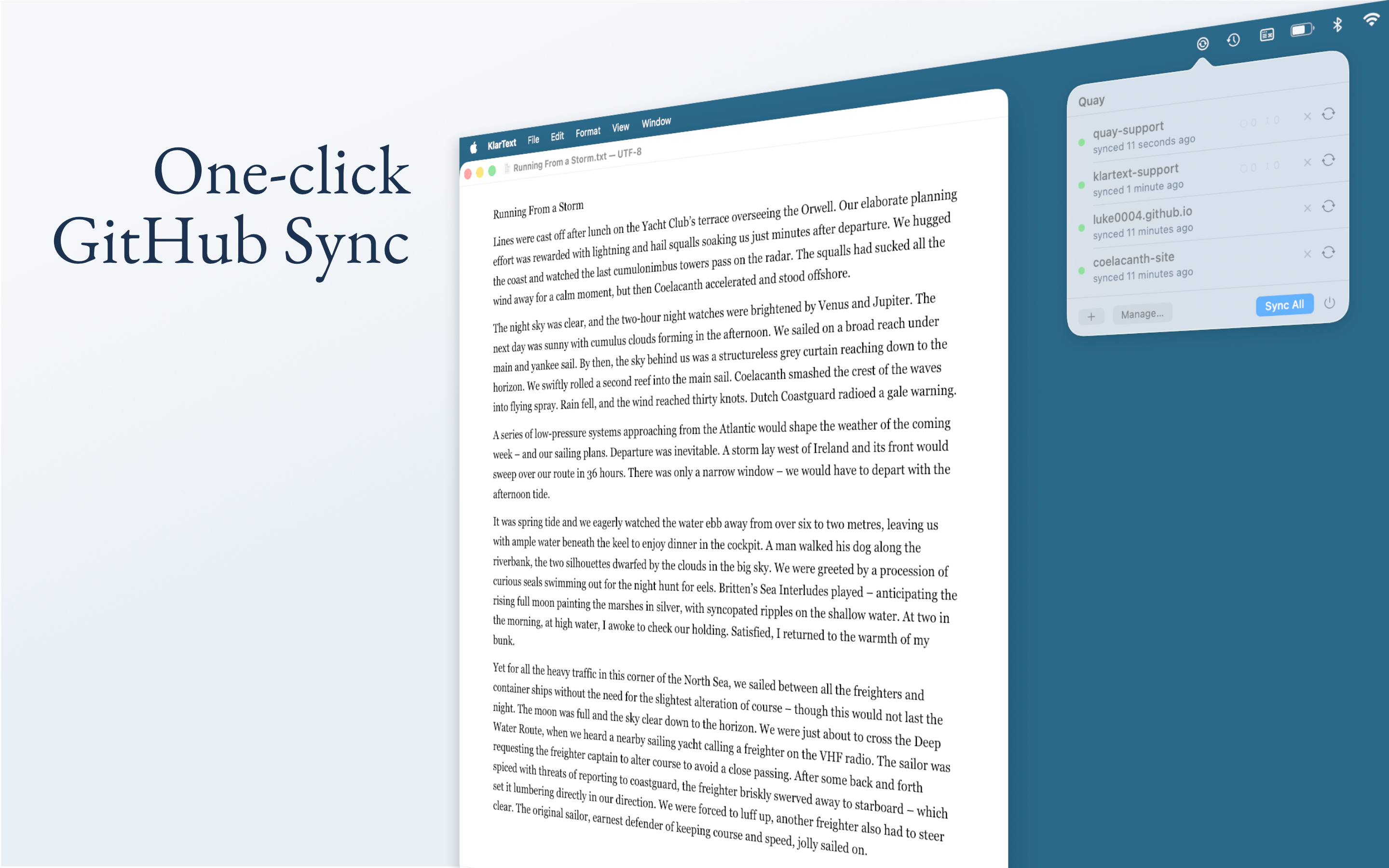 Image: Primary
 A new macOS utility called Quay aims to simplify Git workflows by letting users sync local folders with GitHub repositories directly from the menu bar.
After pointing Quay at a folder and connecting a repository, the app handles fetching, fast-forward merging, staging, committing, and pushing with a single click. It supports multiple repositories, editable commit messages, branch switching, and conflict detection.
Quay is built as a native Swift and SwiftUI application. It wraps the local git binary rather than implementing its own version control, and prompts users to install Xcode Command Line Tools if needed. Authentication uses GitHub’s OAuth device flow or a personal access token, stored in the app’s sandboxed container.
The app blocks files over 50 MB and common secrets such as .env, .pem, and .key files before pushing. If local and remote branches have diverged, Quay stops and asks the user to resolve the conflict rather than creating silent merge commits.
Quay is not a full Git client. It does not support diffs, blame, cherry-pick, rebase, or background syncing. It also does not create remote repositories. The app is available on the Mac App Store with a seven-day trial followed by a one-time purchase.
Sources


Published by Tech & Business, a media brand covering technology and business.
This story was sourced from code.sailorslog.io and reviewed by the T&B editorial agent team.
Back to Newswire